Why websites get blacklisted by Google
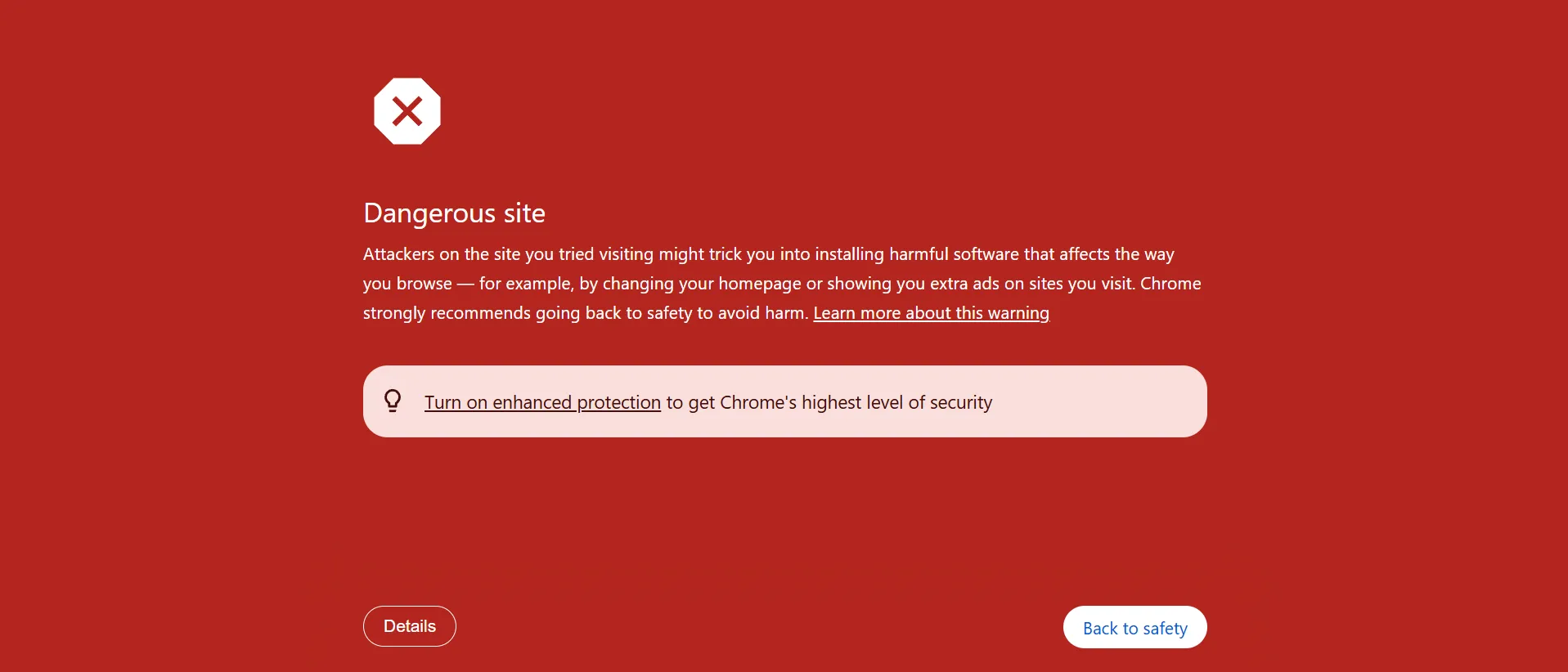
A Google Safe Browsing warning is not usually a random mistake. In most cases, the website has been compromised or is serving something unsafe. That may include malware, phishing content, spam pages, malicious redirects, infected plugins, hidden backdoors, or third-party scripts that have been tampered with.
On WordPress websites, I frequently see blacklist issues caused by hidden fake plugins, spam landing pages, injected PHP files in the root directory, modified core files, malicious JavaScript loaders, database spam, and cron-based reinfection. Sometimes the homepage still looks normal, which is exactly why these infections go unnoticed for so long.
I focus on cleanup first, review second
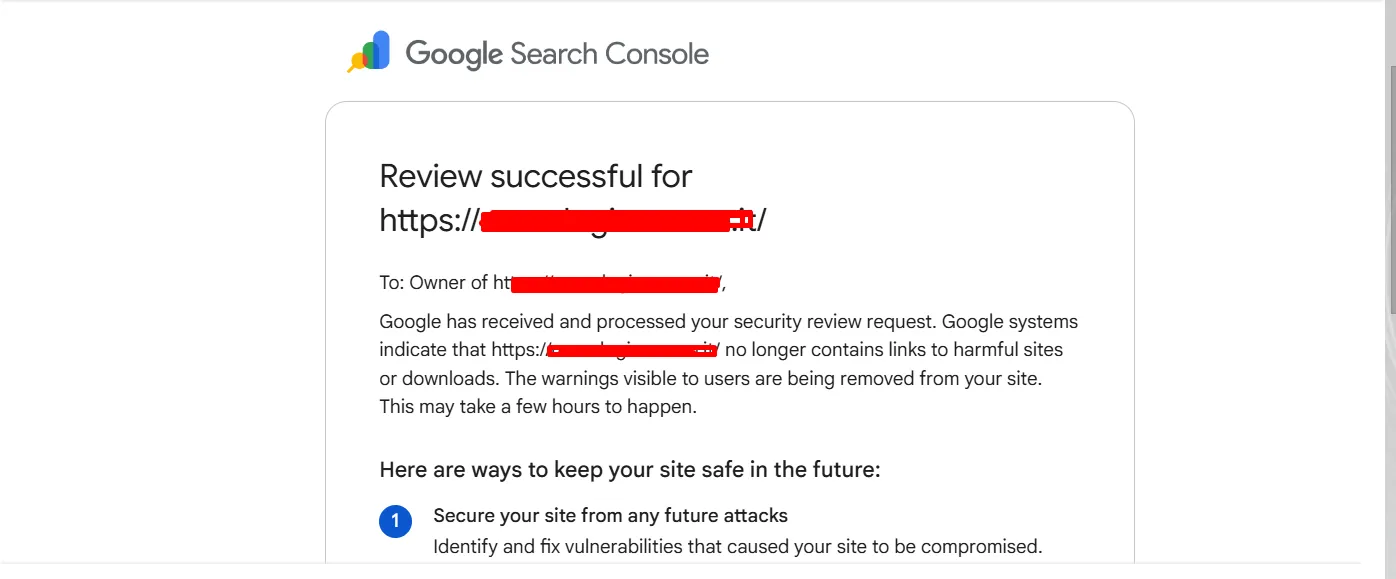
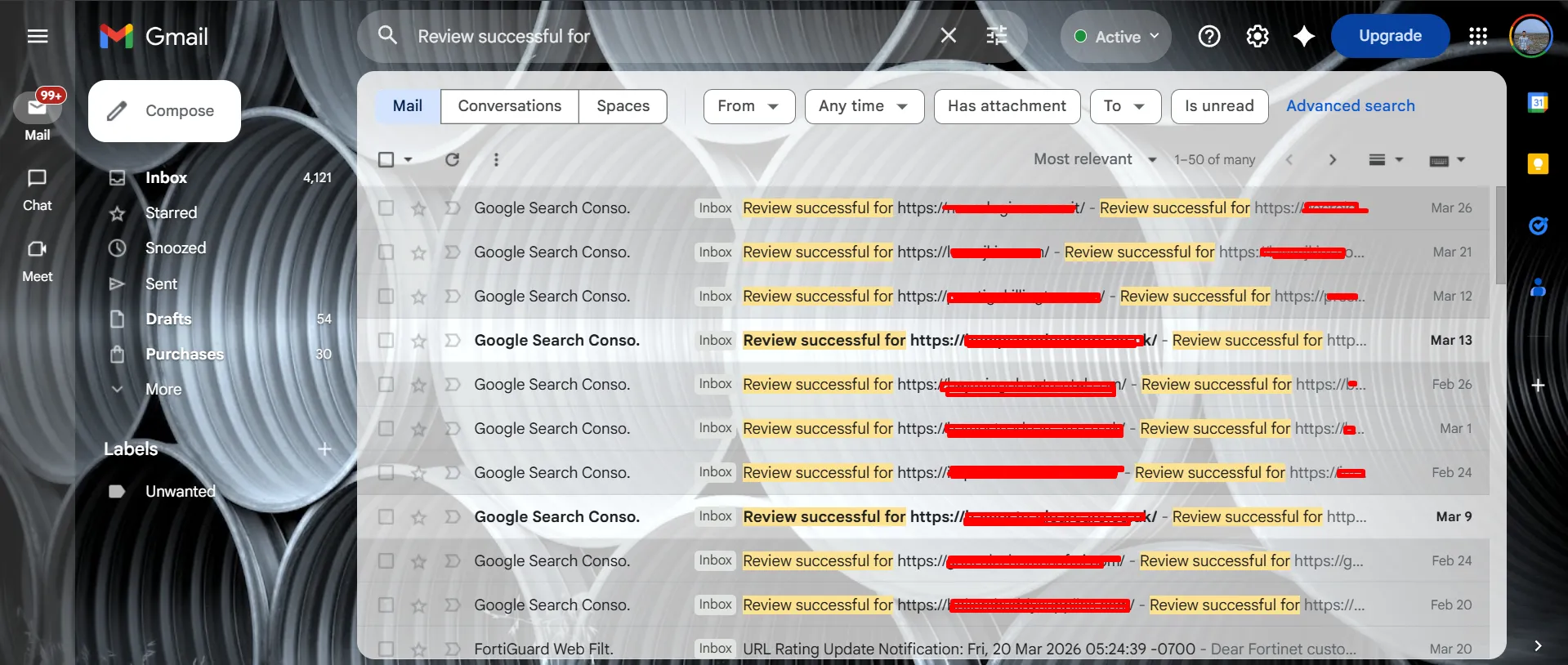
Many site owners make the mistake of requesting a Google review before the website is actually clean. That usually leads to rejection or delay. My process starts with confirming the problem, identifying the root cause, removing the malicious files and persistence, securing the website, and only then moving into the review stage.
This service is built for real blacklist recovery
This is not a generic scanner-only service. I manually inspect the website, look for hidden malware, trace suspicious files, investigate spam URLs, check plugins and themes, and review the parts of the installation that commonly get missed in partial cleanups.
If your site is on WordPress, I also check for fake plugins, hidden admin users, compromised uploads, must-use plugin abuse, modified theme files, suspicious database content, and server-side persistence. The goal is simple: clean the site properly so the warning can actually be removed and stay removed.