McAfee SiteAdvisor vs WebAdvisor
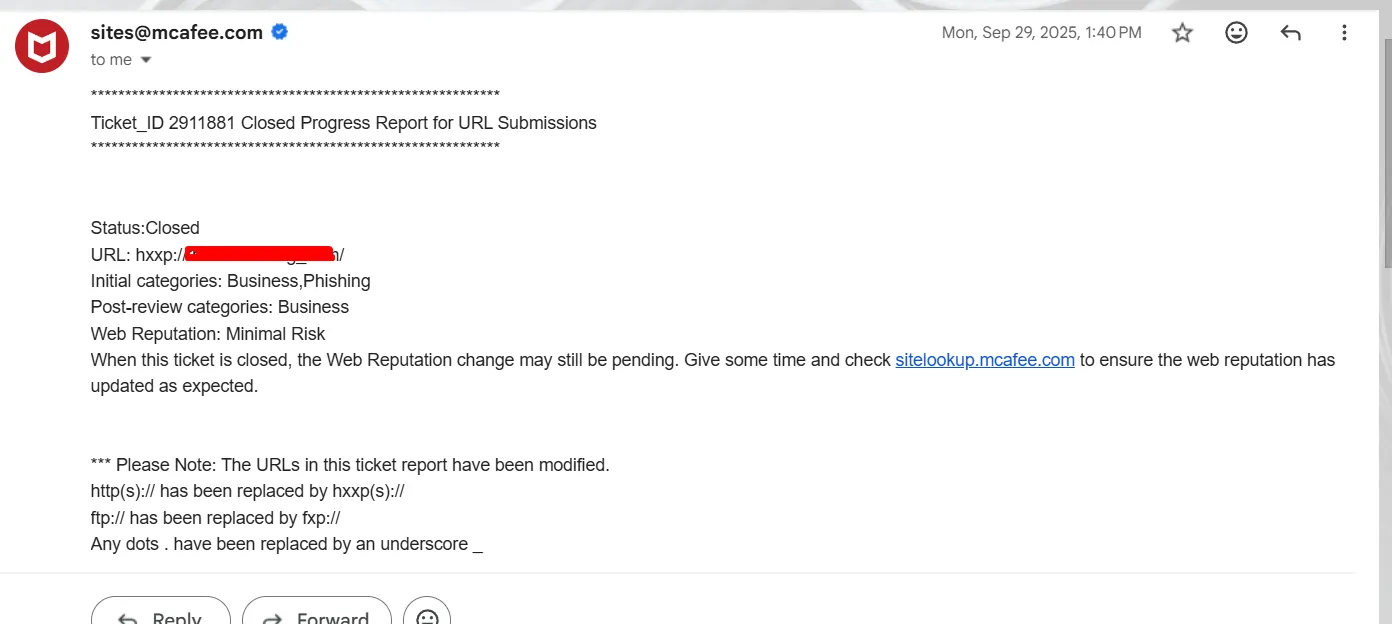
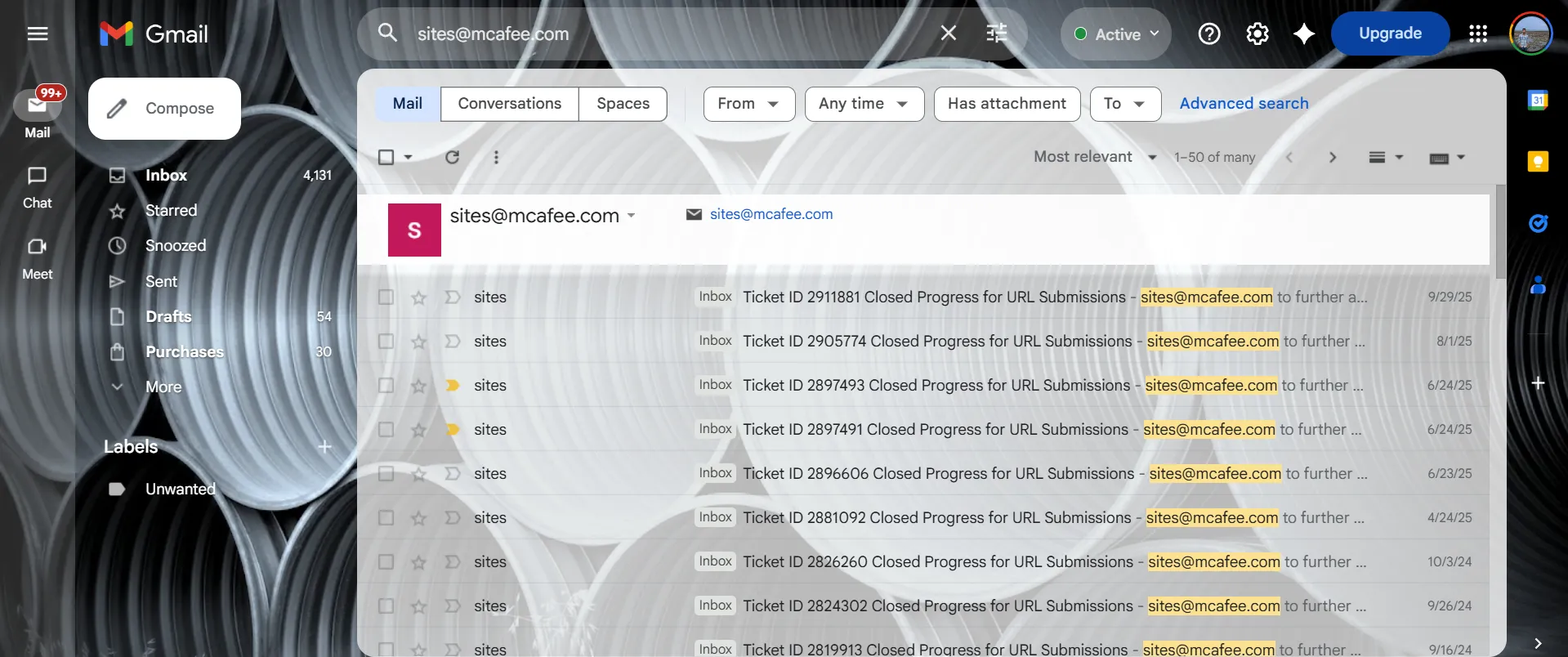
Many people still search for McAfee SiteAdvisor blacklist removal, while others search for McAfee WebAdvisor warning removal. From an SEO perspective, this is important because both keyword groups represent the same buyer intent: the website has a reputation problem, a warning is showing, and the owner needs expert help fixing the root cause.
That is why this service page intentionally uses both terms naturally throughout the content. It helps the page rank for older search phrases as well as newer terminology without making the copy feel stuffed or unnatural.
Cleanup first, review second
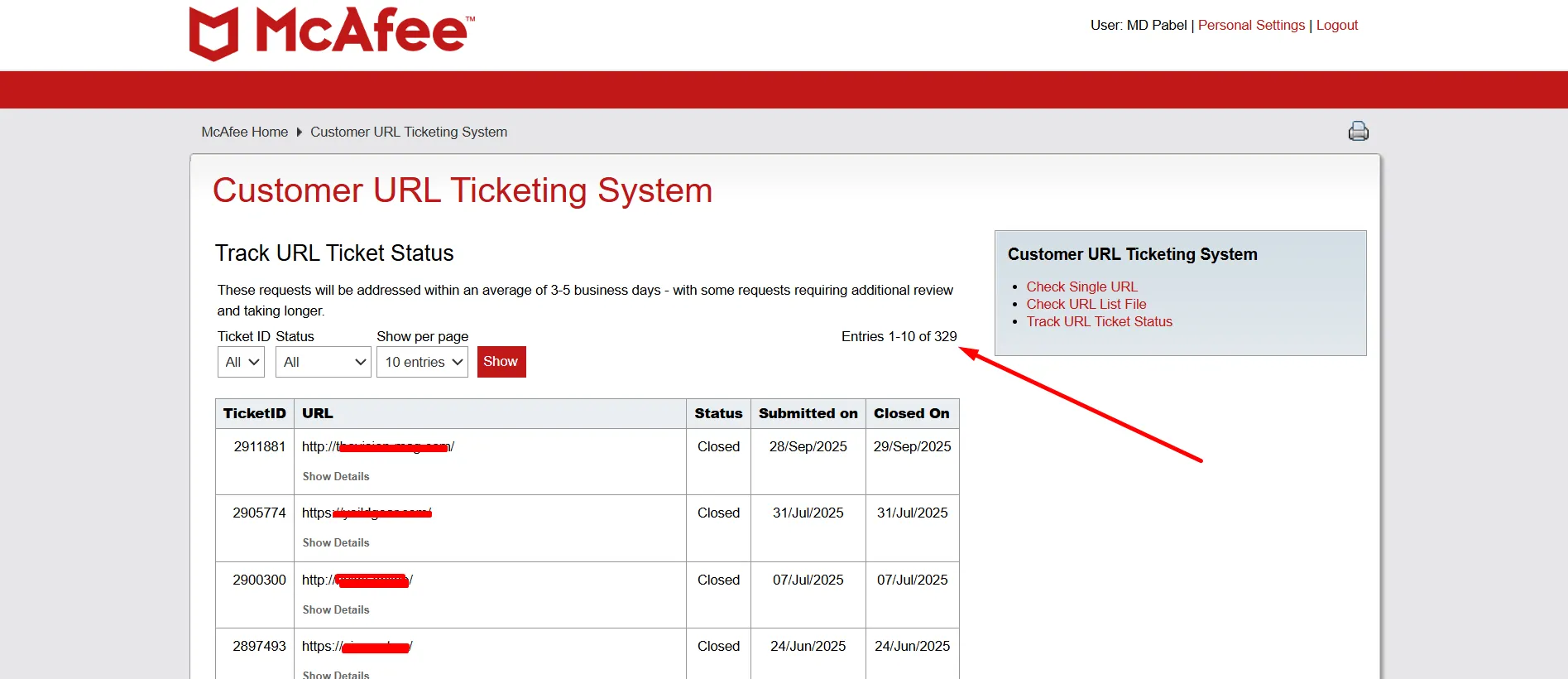
A common mistake is trying to push a reputation change request before the website is actually clean. My workflow focuses on malware cleanup, phishing cleanup, spam page removal, backdoor removal, and hardening first. Only then does it make sense to focus on the ticket, dispute, or review step.
McAfee blacklist removal for WordPress websites
WordPress websites often get flagged because of hidden fake plugins, modified core files, malicious uploads, root-level PHP files, cloaked spam pages, or cron-based reinfection. The homepage may still look normal while the infection operates quietly in the background.
That is why my service is not limited to surface-level scanning. I manually inspect the parts of the site that are commonly missed in partial cleanups and focus on the root cause so the warning does not keep coming back.