How to Fix Regenerating index.php Malware in WordPress When Scanners Fail
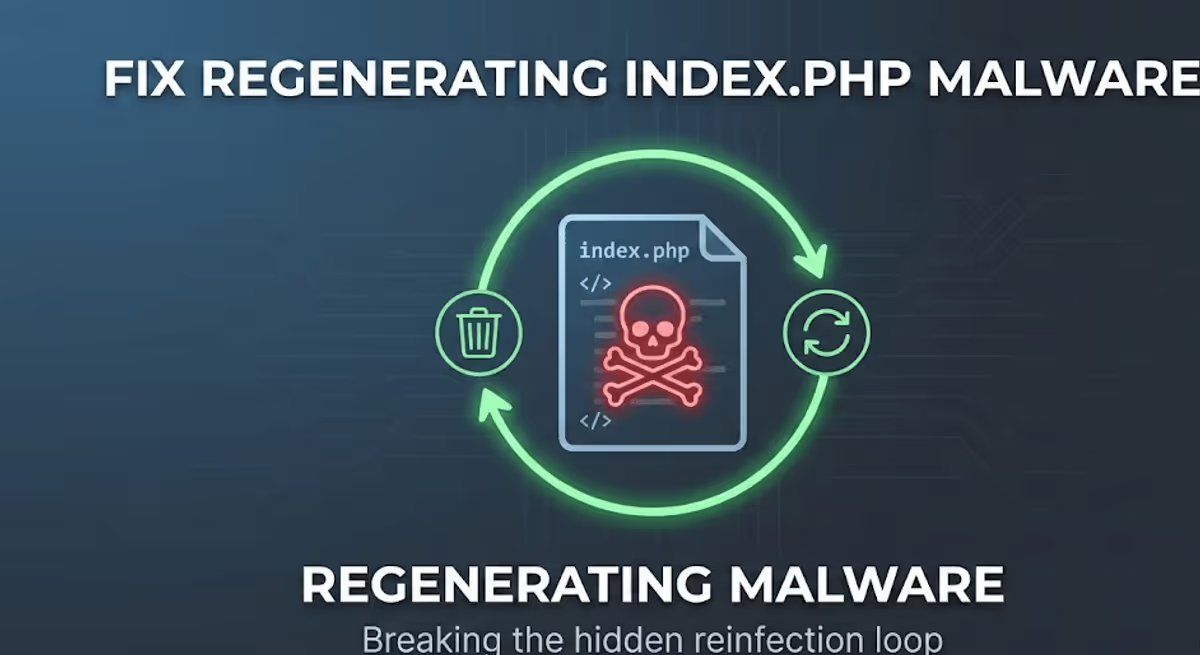
One of the most frustrating WordPress malware problems is this: you clean index.php, your site comes back, and then a few minutes later the exact same infection is back again.
I have cleaned more than 4,500 hacked WordPress sites, and this pattern is one of the most common signs of a deeper persistence mechanism. The infected index.php file is usually not the real root problem. It is only the symptom. Somewhere else on the server, a hidden dropper or backdoor is monitoring the file and rewriting it as soon as you remove the visible payload.
In this case study, I’ll show how I investigated a WordPress site where index.php malware kept regenerating, why premium scanners failed to detect the real cause, how I used raw access logs to find the hidden backdoor, and how I permanently stopped the reinfection loop.
If your index.php keeps getting reinfected after cleanup, start with my WordPress malware removal service.
Quick Summary
- Main symptom: malicious code in
index.phpkept coming back after removal - Visible effect: cloaked redirect and SEO spam behavior
- Why cleanup kept failing: a hidden dropper was rewriting
index.php - Why scanners missed it: the real persistence lived outside the obvious infected file and used normal PHP functions
- Breakthrough: raw server access logs revealed direct requests to a suspicious PHP file hidden inside a theme directory
- Root cause: a fake file acting as a heartbeat dropper and re-infector
- Final fix: removed the dropper, blocked the triggering bot IP, replaced the infected file, and audited the entry point
What index.php malware usually does
In WordPress, the root index.php file is part of the main request flow. Because it sits at the front of the site, attackers love to infect it. When this file is modified, the site can be turned into a redirector, a cloaking router, or an SEO spam delivery point.
In many real infections, the malicious code at the top of index.php behaves differently depending on who is visiting:
- Search engines: may see hidden spam pages optimized for casino, gambling, or Japanese keyword spam
- Organic search visitors: may be redirected to a malicious shortlink or spam landing page
- Direct visitors and site owners: may still see the normal homepage, which makes the infection harder to notice
That cloaking behavior is one reason so many site owners do not realize the site is hacked until rankings collapse or strange URLs appear in Google Search Console.
Related reading: How to detect WordPress malware.
Why index.php keeps coming back after you remove it
The biggest misunderstanding in these cases is thinking the infected index.php file is the entire malware infection. Usually, it is not.
If the file keeps coming back after you clean it, then something else is re-creating it. That “something else” is often:
- a hidden dropper script
- a backdoor hidden in a plugin or theme folder
- a malicious scheduled task
- a server-side reinfection script
The attacker expects you to find the visible redirect payload sooner or later. So they hide a second script elsewhere whose only job is to check whether the malware is still present. If it is missing, the script downloads or rewrites a fresh copy into place.
That is the real reason index.php back after removing happens so often.
Related reading: Why WordPress malware keeps coming back and how to stop it.
The case: when scanners failed
In this case, the client had already done most of the things site owners usually try first:
- manually cleaned infected files
- ran premium malware scans
- replaced WordPress core files
- checked normal WordPress-level indicators
But the site kept getting reinfected. The malware returned within the hour, every time.
When I examined the infected index.php, I found a large block of obfuscated PHP that matched the kind of redirect-and-cloaking logic I see in real SEO spam cases. But one thing stood out immediately: the payload itself was only a router. It was not writing itself back into the file.
There were no obvious file-writing calls in that main injected block. No direct logic that would explain how the file regenerated. That was the clue that told me the visible payload was only part of the compromise.
Why automated scanners missed the real cause
The client was understandably frustrated that premium scanners had not solved the issue. But this is exactly where scanners hit their limits.
Most WordPress security plugins are strongest when they are checking:
- known malware signatures
- suspicious file changes inside WordPress
- common plugin and theme infections
Attackers know that. So they often hide droppers in places that look legitimate and write them using ordinary PHP functions like file_get_contents(), cURL, or file_put_contents(). Those functions are not malicious by themselves. Many legitimate plugins use them too.
That means a scanner may see the visible infected file but still miss the quiet persistence script that is doing the real damage.
I also checked the normal WordPress cron system and did not find evidence that the reinfection was being triggered there. That pushed the investigation out of WordPress and down into the server layer.
The breakthrough: hunting the backdoor in access logs
When malware bypasses the application layer, I stop relying only on the dashboard and move to the server logs. Raw access logs are often where the real story starts showing up.
Most of the log is noise: real visitors, bots, dashboard use, image loads, and search engine crawling. What I was looking for was different:
- direct requests to standalone PHP files
- requests deep inside theme or upload directories
- files that should never be publicly requested directly
- blank referrers and suspicious patterns
That is where I found the smoking gun:
66.29.132.218 - - [19/Feb/2026:05:41:59 -0800] "GET /wp-content/themes/Divi/ai-app/i18n/user-includes.php HTTP/1.1" 200 90 "-"
That single line was enough to shift the investigation completely.
Why that access-log entry mattered
- Direct access to a buried PHP file
Normal visitors and search engines do not need to request a random PHP file buried inside a theme’s internal subdirectory. - No referrer
The blank referrer strongly suggested an automated process calling the file directly. - The filename was suspicious
The path looked designed to blend in with a legitimate theme structure, but the file itself was not where it belonged. - The script returned a tiny successful response
That usually means the file executed silently and did its job without producing visible output.
At that point, I knew I had found the hidden dropper.
How the hidden dropper worked
When I opened the suspicious file, the logic became clear. It was a persistence mechanism built specifically to keep the index.php infection alive.
- It checked whether the malicious marker still existed inside index.php
The script read the target file and looked for a known string associated with the redirect payload. - An attacker-controlled bot kept pinging the dropper URL
The suspicious IP from the logs was effectively acting like a heartbeat trigger. - If the marker was missing, the dropper downloaded a fresh payload
That meant every time the client cleanedindex.php, the next bot request would detect the absence and re-download the malware from an external source. - It rewrote the clean file
The script then restored the malicious code intoindex.php, completing the reinfection loop.
This was not random reinfection. It was a designed heartbeat-and-repair system for malware.
How I stopped the reinfection loop permanently
1. Cleaned the visible symptom
I replaced or cleaned the infected index.php file, knowing that alone would not be enough. That step was necessary, but not sufficient.
2. Deleted the hidden dropper
Once I confirmed the suspicious PHP file was the persistence mechanism, I removed it permanently from the server.
3. Blocked the IP that was triggering the heartbeat
Because the dropper was being called directly from a suspicious IP, I blocked that IP immediately to cut off the automated reinfection trigger.
That can be done at the server level or through an application firewall. In cases like this, server-level blocking is often the fastest and cleanest first response.

4. Audited the real entry point
After the loop was broken, I still had to treat the root compromise seriously. Attackers do not magically place files in a theme directory. Something had allowed that access in the first place.
So the final step was a full review of:
- themes and plugins
- outdated components
- fake or untrusted software
- backdoors and suspicious files
- user access and hardening gaps

Practical framework if your index.php keeps getting reinfected
- Do not stop at cleaning index.php
Expect the visible payload to come back until you find the real persistence mechanism. - Check your raw access logs
Look for direct requests to odd PHP files in themes, uploads, or plugin directories. - Search for file-writing logic
Use SSH or terminal access to grep for scripts that mentionindex.phpalongside file-writing functions. - Delete the dropper and cut the trigger path
Remove the hidden PHP backdoor and block suspicious IPs if needed. - Audit the entry point afterward
Update software, remove unsafe components, and verify that the attacker cannot return through the original weakness.
What site owners should learn from this case
- If index.php keeps coming back after cleanup, the infection is almost certainly deeper than the visible file.
- Scanners are helpful, but they are not enough for every persistence case.
- Access logs can reveal malware paths that WordPress plugins never show you.
- Droppers are often hidden in legitimate-looking directories to blend in.
- You do not really solve a reinfection loop until you remove the dropper, block the trigger, and close the entry point.
FAQ
Why does my index.php malware come back after I remove it?
Because another hidden script is usually monitoring the file and restoring the payload when it detects that the infection was removed.
Why didn’t my WordPress malware scanner detect the real cause?
Because the visible infected file is not always the persistence mechanism. Hidden droppers can live in odd paths and use normal PHP functions that do not look obviously malicious at first glance.
What is a dropper in WordPress malware?
A dropper is a hidden script whose job is to download or rewrite malicious code back into place after you remove the visible infection.
Where should I look if index.php keeps regenerating?
Check server access logs, suspicious PHP files inside theme/plugin/upload directories, hidden backdoors, and any scripts that read or overwrite core files.
What is the safest next step if I am stuck in a reinfection loop?
Stop treating the visible file as the whole problem. Investigate logs, identify the persistence mechanism, remove the dropper, and audit the original entry point properly.
Related Reading
- WordPress Malware Removal Service
- How to detect WordPress malware
- Why WordPress malware keeps coming back
- Breaking a malware regeneration loop in cPanel
- How hackers hide backdoors in WordPress
- Known fake and malicious WordPress plugins
Need help stopping regenerating WordPress malware?
I’ve worked on thousands of WordPress malware cases, including redirect infections, cloaking spam, hidden droppers, recurring backdoors, fake plugins, and stubborn reinfection loops that scanners miss. If your index.php keeps getting infected again after cleanup, I can help you trace the real persistence mechanism and remove it properly.
Hire me or go directly to my WordPress malware removal service.