New Malware Alert: The “Fake Official” Plugin Attack (wp-kludge-allow & Variants)
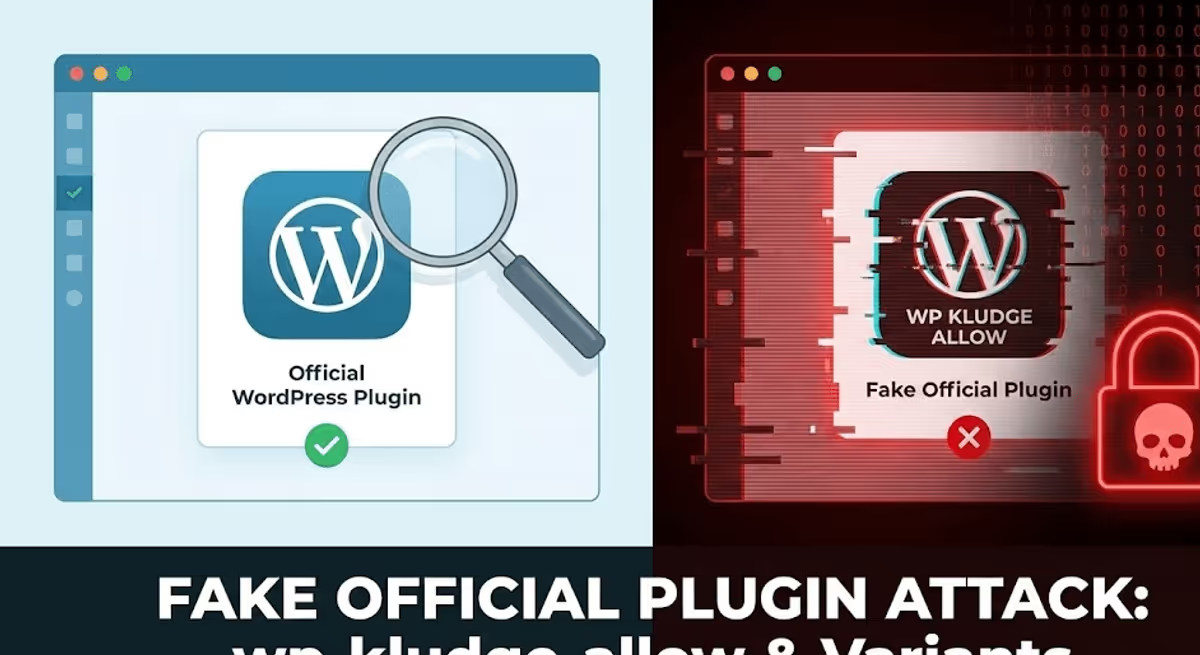
If you are reading this, you likely found a strange folder in your wp-content/plugins directory with a name that sounds technically impressive but meaningless—something like wp-kludge-allow, wp-analyzer-philosophy, or wp-systematize-marketplace.
You might be wondering: “Did I install this? Is it a core WordPress file?”
The answer is no. You are looking at a sophisticated piece of malware designed to impersonate an official WordPress component. We call this the “Fake Official” Plugin Attack.
Here is a breakdown of what this malware does, why it is dangerous, and how to remove it.
The Disguise: “Official WordPress Plugin”
Most WordPress malware tries to be invisible. This variant takes a different approach: Audacity.
If you open the main PHP file inside one of these folders (e.g., wp-kludge-allow/index.php), you will see a file header that looks legitimate:
/*
Plugin Name: WP Kludge Allow
Description: Official WordPress plugin
Author: WordPress
Version: 12.7.0
*/
The attackers explicitly label it as an “Official WordPress plugin” authored by “WordPress”. They even assign it a high version number (like 12.7.0) to make it appear stable and essential.
This is a Social Engineering tactic. The goal is to make a developer or site owner hesitate before deleting it, fearing they might break the site by removing a “core” feature.
How It Works: The “Invisible” Plugin
You might ask, “If this is a plugin, why didn’t I see it in my dashboard?”
This is the malware’s primary trick. It contains specific code designed to scrub its own existence from your WordPress admin panel while still running in the background.

1. Ghost Mode (Hiding from the Dashboard)
The malware hooks into the pre_current_active_plugins action. Just before WordPress displays your plugin list, the malware runs a function (often named rhi_cbx or similar) that finds its own filename in the list and unsets it.
// Malware code that removes itself from the list table
if (in_array($key, $h)) {
    unset($wp_list_table->items[$key]);
}
This ensures that even though the plugin is active, it is completely invisible on the Plugins > Installed Plugins page.
2. The Backdoor (Direct Access)
This malware has a “split personality” controlled by a simple check: if (defined('ABSPATH')).
- If loaded by WordPress: It hides itself and stays dormant to avoid detection.
- If loaded directly (by a hacker): It executes a malicious payload.
If a hacker accesses the file directly in a browser (e.g., yoursite.com/wp-content/plugins/wp-kludge-allow/index.php), the script bypasses WordPress security and runs an obfuscated function named fif.
In the samples we analyzed, this function often decodes a string to point to your .htaccess file and attempts to include it. This suggests the attackers have hidden malicious PHP code inside your .htaccess file, using this “plugin” as the trigger to execute it.
Indicators of Compromise
Check your /wp-content/plugins/ directory via FTP or your hosting File Manager. If you see folders with generated “nonsense” names, your site is likely infected. Common names seen in this attack wave include:
wp-kludge-allowwp-analyzer-philosophywp-systematize-marketplacewp-plugin-hostgator(mimicking legitimate hosting tools)
How to Fix It
- Delete the Folders: These are not core files. You can safely delete the entire folder (e.g.,
wp-kludge-allow). - Check Your .htaccess: Since the malware attempts to load this file, check your root
.htaccessfile for hidden PHP code or malicious directives. - Scan for Others: This malware often drops multiple copies with different names. Ensure you check all folders in your plugins directory.
- Change Passwords: As with any compromise, reset all admin passwords and salt keys immediately.
Have you found a folder with a different name that follows this pattern? Drop the name in the comments below to help others identify this malware.