Found Suspicious Code in functions.php? The “Ghost Admin” Hack Explained
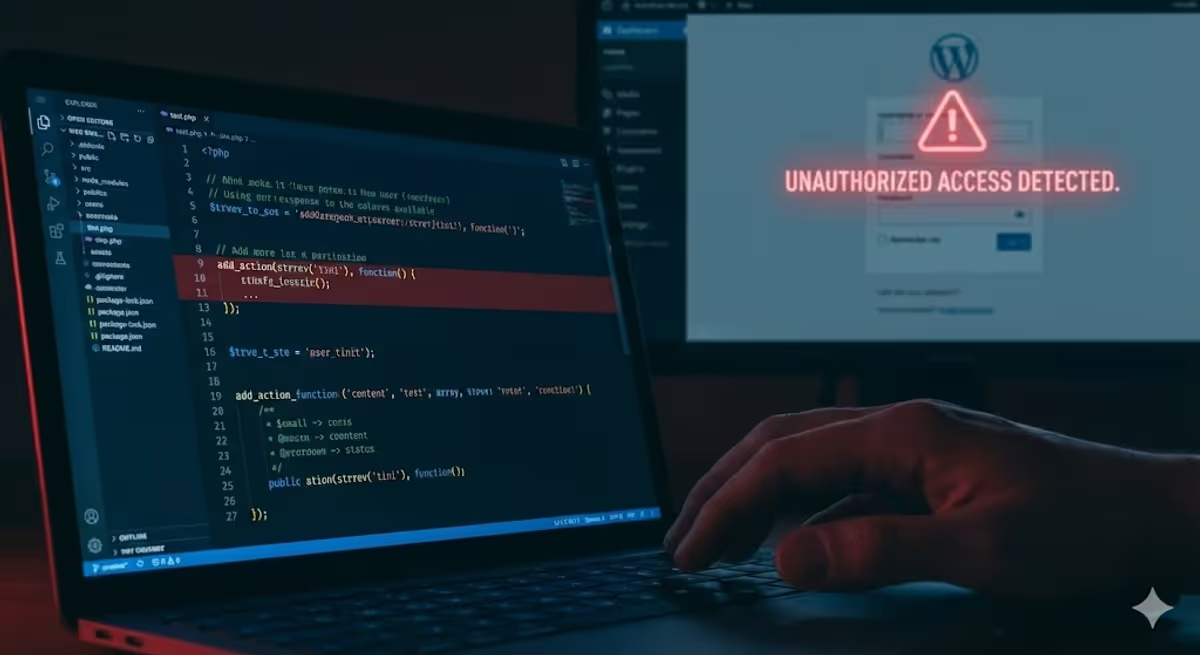
Last week, a new client reached out to me in a panic. Their wordfence security plugin had flagged a critical file inside their active WordPress theme, but the warning message was confusing. They hadn’t noticed any defaced pages or pop-up ads, so they asked:
“My site looks fine, but there is weird, jumbled code in my
functions.phpfile. Is this dangerous?”
We immediately investigated. The answer was yes.
The code they found wasn’t just a glitch; it was a sophisticated “backdoor” designed to give hackers total control of the website without a password. In this case study, we will decode this specific malware (often called the “Ghost Admin” hack), explain how it works in plain English, and show you how to fix it.
The Discovery: What the Code Looks Like
If you are reading this because you found strange code in your wp-content/themes/your-theme/functions.php file, compare it to the screenshot below.
The malware usually sits at the very top or very bottom of the file. It often looks like this:
add_action(strrev('tini'), function() {
    $k = 'get_value_callback';
    $p = 'label';
    $fn = [ ... base64_decode strings ... ];
    // ... more code ...
});
To an untrained eye, this looks like random gibberish. This is intentional. Hackers use a technique called obfuscation (scrambling data) so that you—and basic security scanners—don’t realize what the code is actually doing.

Technical Deep Dive: Decoding the Malware
For developers and tech-savvy site owners, let’s break down exactly what this script does line-by-line.
We took the code into an isolated testing environment to decode it. Here is the logic behind the attack:
1. The Disguise (strrev)
The code starts with add_action(strrev('tini'), ...).
strrev stands for “String Reverse.” If you reverse the word “tini”, you get “init”. The hacker writes it backward to fool security searches. By hooking into init, this malware runs on every single page load of your website.
2. The Dictionary (Base64 Decoding)
The script creates a list of “secret” words using base64_decode. We translated them for you:
chkbecomes is_user_logged_inabecomes wp_set_current_userbbecomes wp_set_auth_cookiecbecomes wp_redirectdbecomes admin_url
3. The “Ghost” Logic
The malware includes a safety check: if (call_user_func($fn['chk'])) { return; }.
This translates to: “If a real administrator is already logged in, do nothing.” This is why the client never noticed anything wrong. The malware goes to sleep when you are working on the site to avoid detection.
4. The Attack (The Forced Login)
The script waits for a specific URL parameter: ?label=get_value_callback.
When the hacker visits this URL, the code executes:
$user = get_userdata(1);It grabs the profile for User ID 1 (which is almost always the Super Administrator). It then forces WordPress to log the visitor in as that Admin and redirects them immediately to the dashboard.
Why This Is Dangerous
This is not a simple virus that sends spam emails. This is a total account takeover.
Because the hacker is logging in as the Super Admin (User ID 1), they have the same power you do. They can:
- Steal Data: Export your customer list and order details (if you use WooCommerce).
- Create Hidden Users: Add other admin accounts that don’t show up in your main user list.
- Destroy SEO: Inject hidden links to gambling or illegal sites, causing Google to blacklist your domain.
- Lock You Out: Change your password and email address, taking the site away from you completely.
How to Fix It (The Right Way)
If you found this code, do not just press delete and hope for the best. Malware is like a weed; if you don’t get the roots, it grows back. Hackers usually hide multiple backdoors in different files.
Here is the process we used to clean our client’s site:
- Backup Immediately: Take a full backup of the site (files and database) before touching anything.
- Reinstall Core Files: We replaced all standard WordPress files (
wp-admin,wp-includes) with fresh copies from WordPress.org. - Clean the Theme: Since the malware was inside the theme, we deleted the theme entirely and re-downloaded a clean copy from the original developer. (Note: If you have custom code, you need a professional to manually sanitize the file).
- Update WP Salts (Critical Step): The hacker logged in by forging cookies. To fix this, you must edit your
wp-config.phpfile and generate new “Salt Keys.” This instantly invalidates all login sessions, forcing everyone (including the hacker) to be logged out. - Reset Passwords: Since the hacker had Admin access, we assumed they knew the passwords. We reset all user passwords and the database password.
- Scan for “Ghost” Users: We checked the database for any unauthorized administrator accounts created recently and removed them.
Need Help Cleaning Your Site?
Dealing with code, databases, and backdoors can be risky. One wrong move can take your site offline.
If you suspect your site is infected with the “Ghost Admin” malware, we can help. Our team specializes in WordPress malware removal and security hardening.
Contact Us Today for a Site Audit – We will identify the breach, clean the infection, and secure your website so you can sleep soundly again.